
How to Make a Coloring Book With Canva AI for Amazon KDP (Step-by-Step)
Dec 22, 2025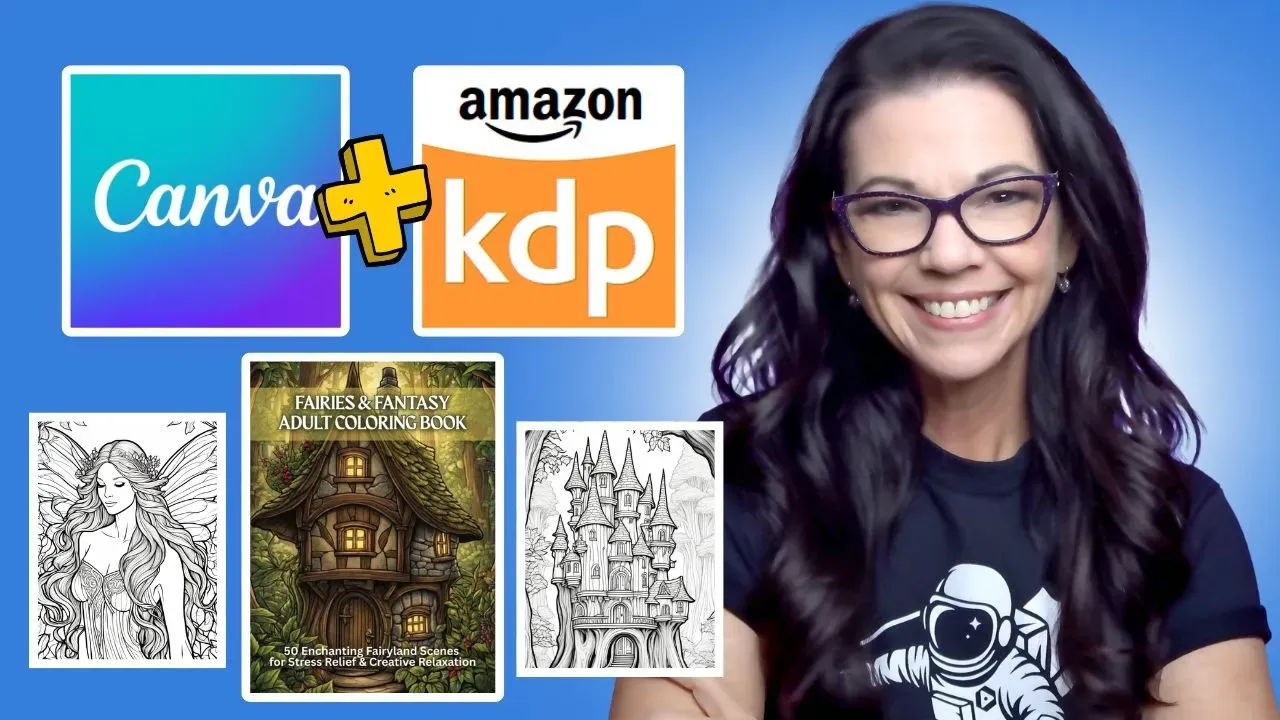
If you’ve ever thought creating a coloring book sounded complicated, expensive, or out of reach, it’s time to reset that belief.
With Canva AI, creating a real coloring book for Amazon KDP is more accessible than ever. It’s beginner-friendly, affordable, and powerful enough to produce books people actually buy. That said, no tool is perfect. In this guide, you’ll learn exactly how to use Canva AI to create a coloring book from start to finish, along with the key limitations and glitches to watch out for so you don’t waste time or money.
Start With Amazon, Not Canva
Before opening Canva, always start on Amazon.
If your goal is to publish a coloring book that sells, research needs to come first. Typing phrases like “adult coloring book” into Amazon’s search bar reveals what people are actively searching for. Amazon autocomplete is one of the simplest and most effective keyword research tools available.
For example, searching for adult coloring books reveals niches such as:
-
Coloring books for women
-
Funny adult coloring books
-
Fantasy coloring books
-
Mindfulness and relaxation themes
Each suggestion is real buyer behavior, not guesswork.
How to Evaluate a Coloring Book Niche
Once you click into a niche, pay attention to the number of results.
A niche with:
-
Fewer than 1,000 results may be too small
-
More than 30,000–50,000 results may be overly competitive
-
Around 10,000 results is often a strong middle ground
This range suggests healthy demand without overwhelming competition.
In this case, fantasy adult coloring books stood out as a promising niche. They offer creative flexibility, emotional appeal, and a proven buying audience.
Validating Demand With Sales Data
After identifying a niche, the next step is checking whether books are actually selling.
Using a KDP research tool helps reveal estimated revenue, pricing trends, and publishing frequency. Even if you use a different research tool, the goal is the same: confirm that buyers are spending money in this niche.
In fantasy coloring books, several titles generate strong monthly revenue, including fairy-themed and whimsical fantasy designs. That’s a clear signal of opportunity.
Learning From Top-Selling Coloring Books
Before creating your own book, look inside the top performers.
Pay attention to:
-
Categories they’re listed in
-
Keywords used in titles and subtitles
-
Art style and level of detail
-
Customer reviews
One important takeaway: many buyers in this niche are comfortable with AI-generated art, even when it includes light grayscale, as long as the images are beautiful and enjoyable to color. Quality matters more than whether the art is AI-made.
Setting Up Your Canva Coloring Book Template
To save time and avoid formatting mistakes, use a reusable template.
A standard adult coloring book setup includes:
-
8.5 x 11 inches
-
102 pages total
-
50 coloring pages
-
Blank backs to prevent bleed-through
-
Title page and copyright page at the front
Once you’ve created this template in Canva, you can reuse it for future books.
Using Canva’s Coloring Book AI App
Inside Canva, scroll to Apps and select the Coloring Book Generator.
This app allows you to paste short descriptions and generate coloring pages directly in Canva, keeping your workflow simple. The app is paid, but at a low monthly cost, it can be worth it if it saves time and reduces tool switching.
However, there are limitations you need to know.
Canva AI Limitations to Watch Out For
The biggest issues encountered were:
1. Limited Size Options
The app only offers square, portrait, or landscape outputs, not exact 8.5 x 11 sizing. This means images may need to be cropped or resized, which can cut off important details.
2. Image Cropping Challenges
Many images extend beyond the page frame, forcing you to either crop artwork or shrink it to fit. This can impact the overall design if not handled carefully.
3. Extra Limbs and AI Errors
Like many AI tools, the generator occasionally produces images with extra arms, legs, or distorted anatomy. These errors must be manually reviewed and removed.
The solution is simple but important: review every single image before publishing.
Improving Results With Better Prompts
Using more detailed descriptions improves results.
Instead of short prompts, describing:
-
The character’s pose
-
Number of limbs
-
Scene environment
-
Artistic style
Can significantly reduce errors. While this doesn’t eliminate every issue, it does improve consistency.
Designing a High-Converting Cover in Canva
Once the interior is complete, focus on the cover.
Using the KDP Cover Calculator, generate a free template based on:
-
Trim size
-
Page count
-
Paper type
Upload this template into Canva and design on top of it to ensure proper alignment.
Strong coloring book covers include:
-
Bold, readable titles
-
High-contrast text
-
Clear emotional cues
-
Preview images on the back cover
Layered text effects and subtle glow or outline styles help titles stand out at thumbnail size.
Exporting Files for Amazon KDP
For best results:
-
Export the cover as PDF Print in CMYK
-
Export the interior as PDF Standard
-
Review everything in the KDP Previewer
Fix any boundary or quality warnings before submitting.
Final Thoughts: Is Canva AI Worth It for KDP?
Canva AI makes coloring book creation easier and more affordable, especially for beginners. While it isn’t perfect, understanding its limitations allows you to work around them effectively.
If you:
-
Start with Amazon research
-
Choose a manageable niche
-
Review images carefully
-
Design with buyers in mind
You can absolutely create a professional-quality coloring book using Canva AI and publish it successfully on Amazon KDP.
And that’s what turns a simple tool into a real publishing strategy.